



Alternative Formats
Alternative Formats
DSS provides assistance to qualified students in obtaining course materials such as textbooks, electronic documents, exams and other print materials into alternative formats. These include, but are not limited to electronic format (e-text), audio, Braille and large print. These formats are often used with literacy software, text-to-speech readers or screen readers.
Important Reminders for Alternative Format Material Requests
Timeline and Planning
DSS works to provide alternative format course materials promptly. To that end, we ask that you manage your accommodation requests accordingly. To provide students with the best experience and access, please submit your book requests through the DSS Portal at least three weeks before the beginning of classes. Due to the nature of obtaining and converting print materials, this window of time is essential in assuring materials will be ready for the beginning of the semester. We realize that some professors may not have their syllabi ready and/or the required books may not yet be available; however, if the requests are submitted late, DSS cannot guarantee the request will be completed by the start of the semester.
Finding Course Information
A helpful place to find course information and required textbooks is the University of Delaware Bookstore.
Required Documentation
Provide proof of purchase (i.e., book or rental receipts) for the materials requested. Submit a copy of your course syllabus to dss-altbook@udel.edu as soon as it is available. The course syllabus is critical so we can prioritize the production of your materials appropriately.
Unavailable Electronic Formats
DSS will notify you when a textbook is unobtainable in electronic format. You will need to submit your textbook to the DSS staff for scanning. We will remove the book’s binding, scan the book into an electronic-alternative format and rebind your book with spiral binding. Textbooks will be returned once the scanning and rebinding are complete (typically one week). Keep in mind that this does not generally have a negative impact on the resale value of your textbook.
First-Time Software Users
If this is your first time using Kurzweil 3000 or other text-to-speech software, you will meet with the Assistive Technology Manager for training including specific instructions on how to download the software to your computer. You will be provided with a username and password and other materials to get you started.
Copyright Law & Policies
It is important to remember that sharing, duplicating or distributing alternative text media is a violation of federal copyright law and DSS policies. Ignoring this regulation may lead to legal action against the violator, along with potential sanctions or penalties.
Support and Questions
Any questions can be directed to the DSS office or the Assistive Technology Manager at 302-831-4643 or dssoffice@udel.edu.
Follow the steps below to request materials in alternative formats through the DSS Portal.
Note: Accessible Alternative Format accommodation must be approved prior to this request.
Step 1: Log into the DSS Portal. Access your account by using your student credentials.
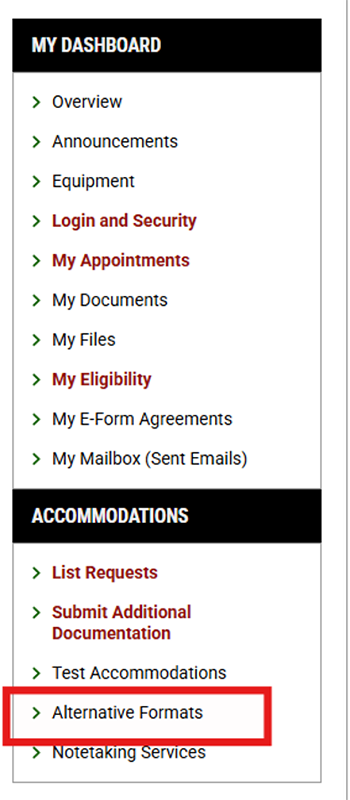
Step 2: Navigate to Accommodations on the left-hand side and select Alternative Formats.
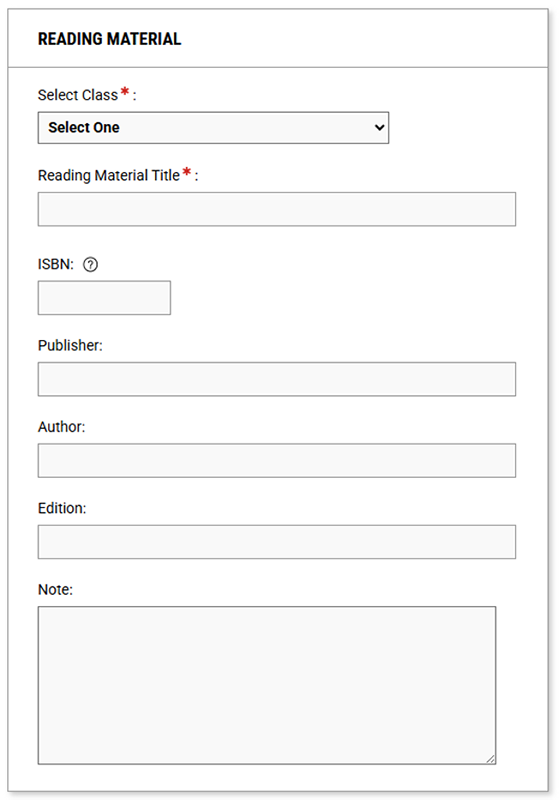
Step 3: Go to the Requests tab and scroll down to the Reading Material tile.

Step 4: Click "Select Class" then choose the course for which you need alternative format materials from the drop-down menu and complete the required fields.
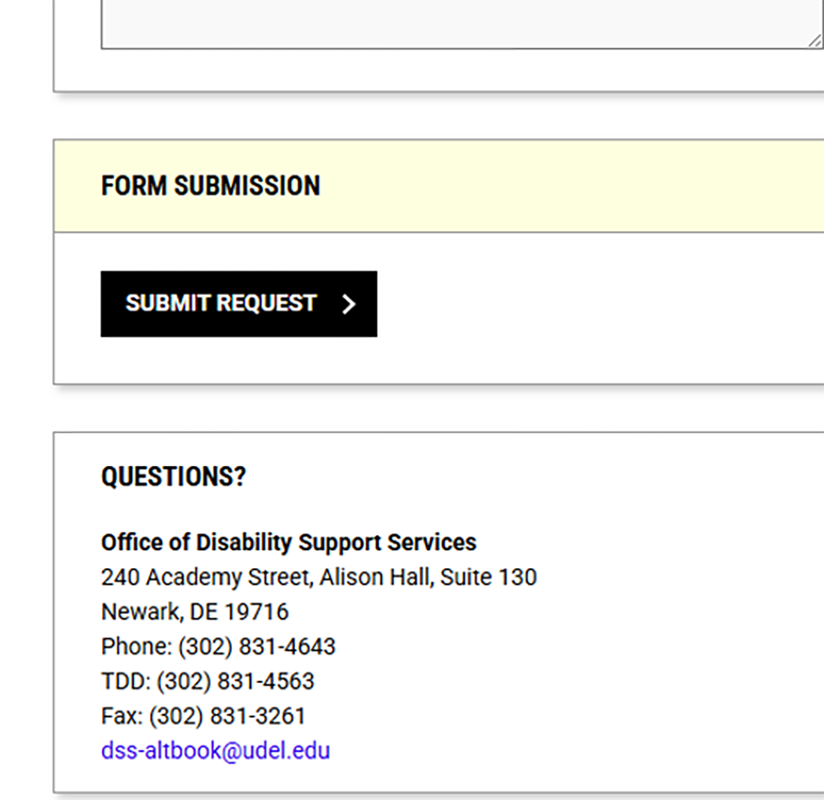
Step 5: Click the "Submit Request" button.
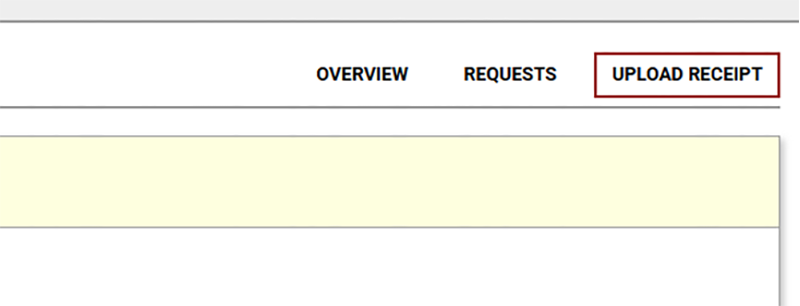
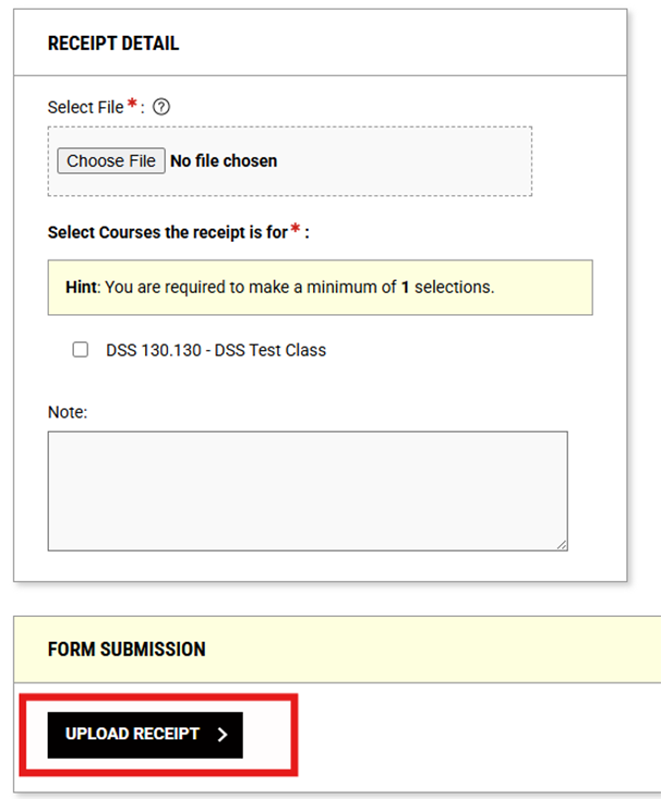
Step 6: Navigate to the Upload Receipt tab at the top right of the screen, and complete the required fields. Click Upload Receipt when finished.
Step 7: Monitor your email. Keep your eye on your student email for communications about the status of your alt format request.